 Padel Speaker
Connect BT Speaker
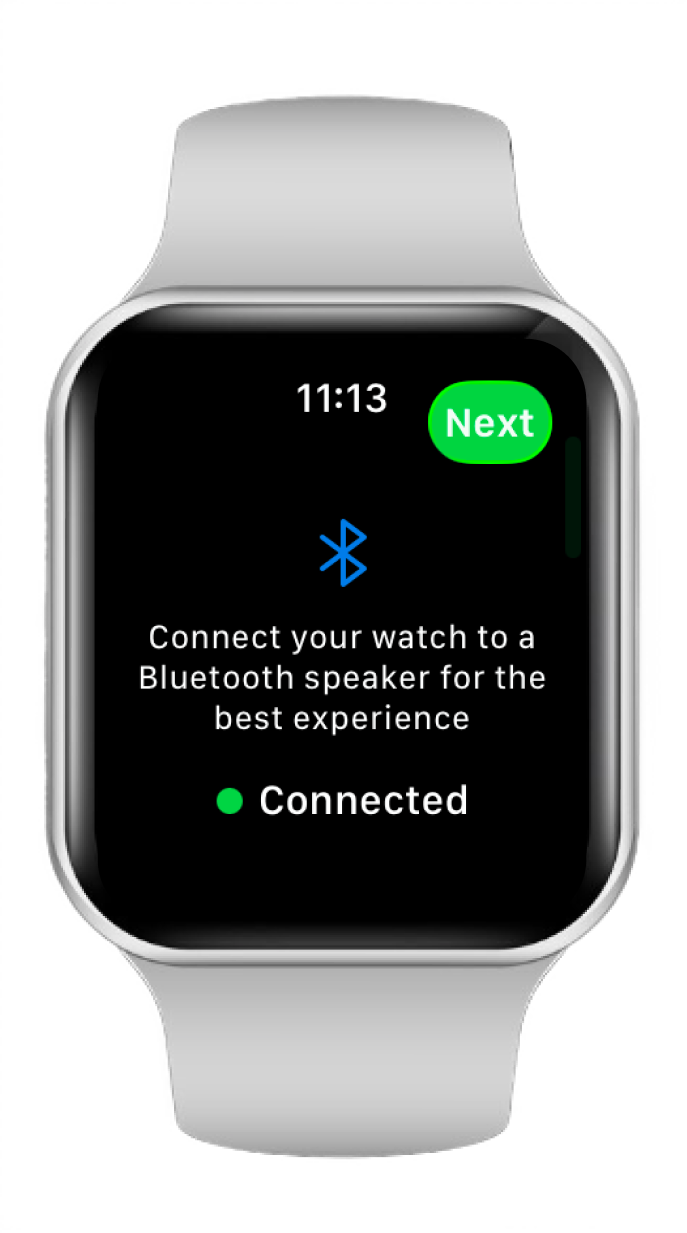
Pair any Bluetooth speaker directly from your Apple Watch in seconds.
Padel Score Counter · Apple Watch
Padel Speaker announces every point of your game through a Bluetooth speaker. Simply connect your Apple Watch and focus on the court.

Pair any Bluetooth speaker directly from your Apple Watch in seconds.
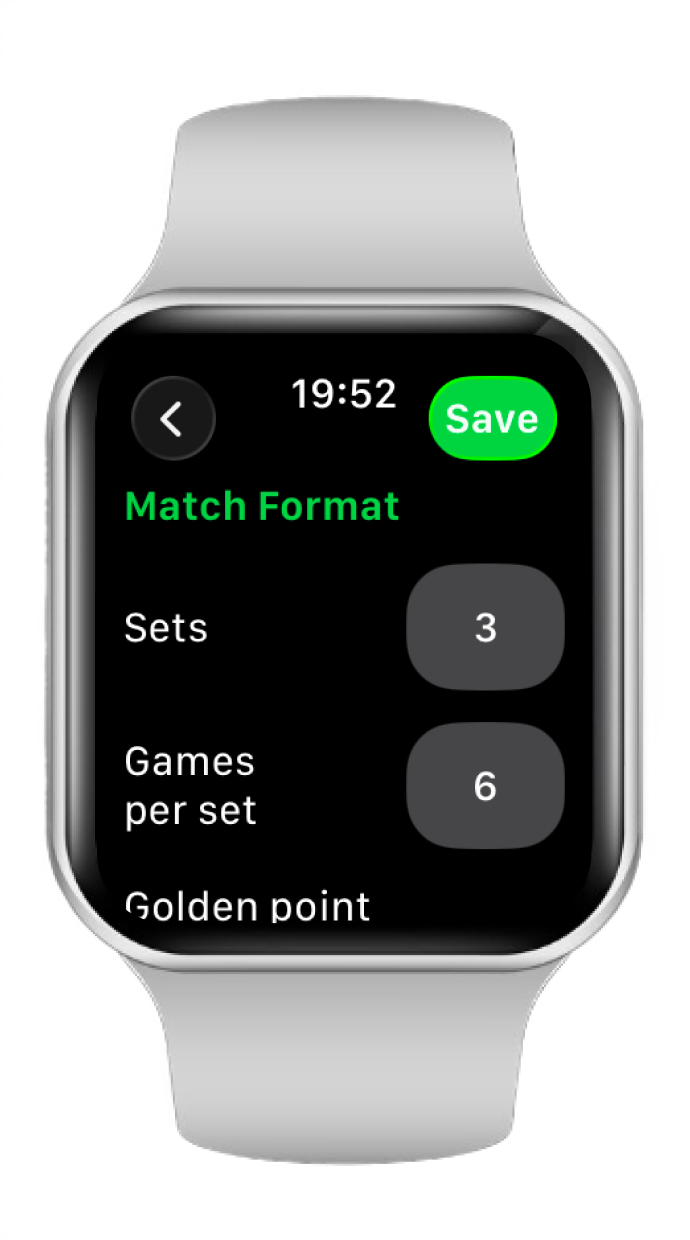
Set your match format — games, sets, tiebreaks — right from your wrist.
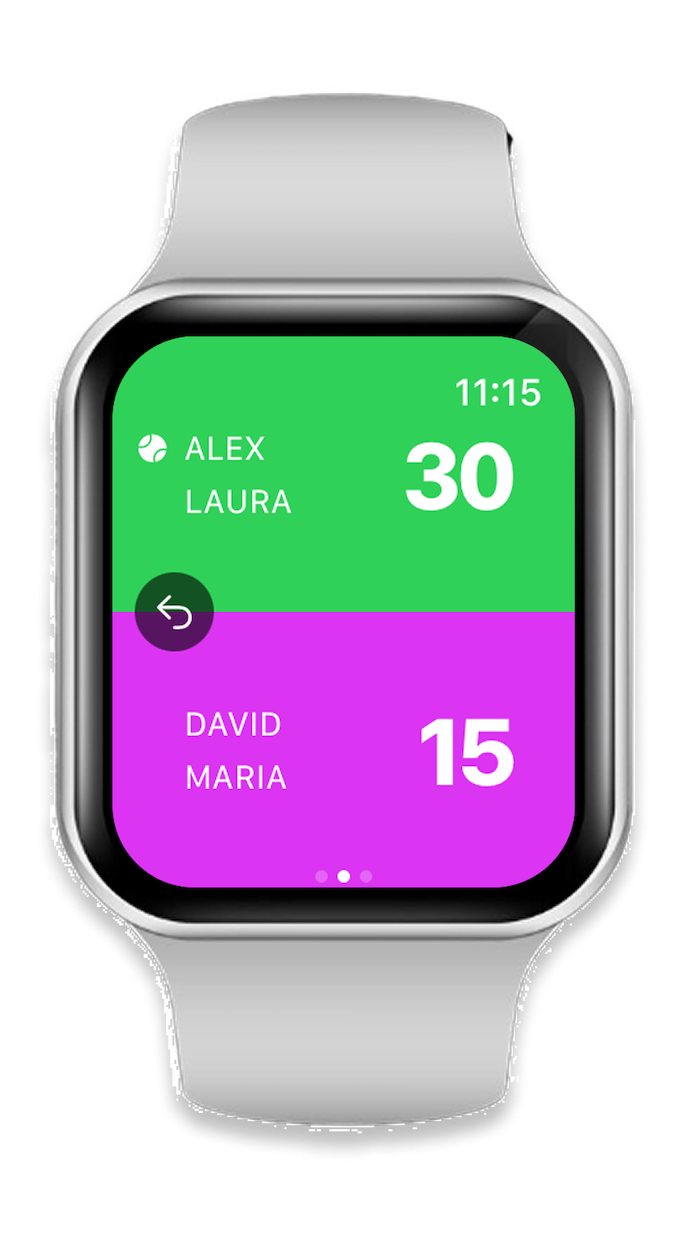
Score announces automatically after every point. Hands-free, hassle-free.
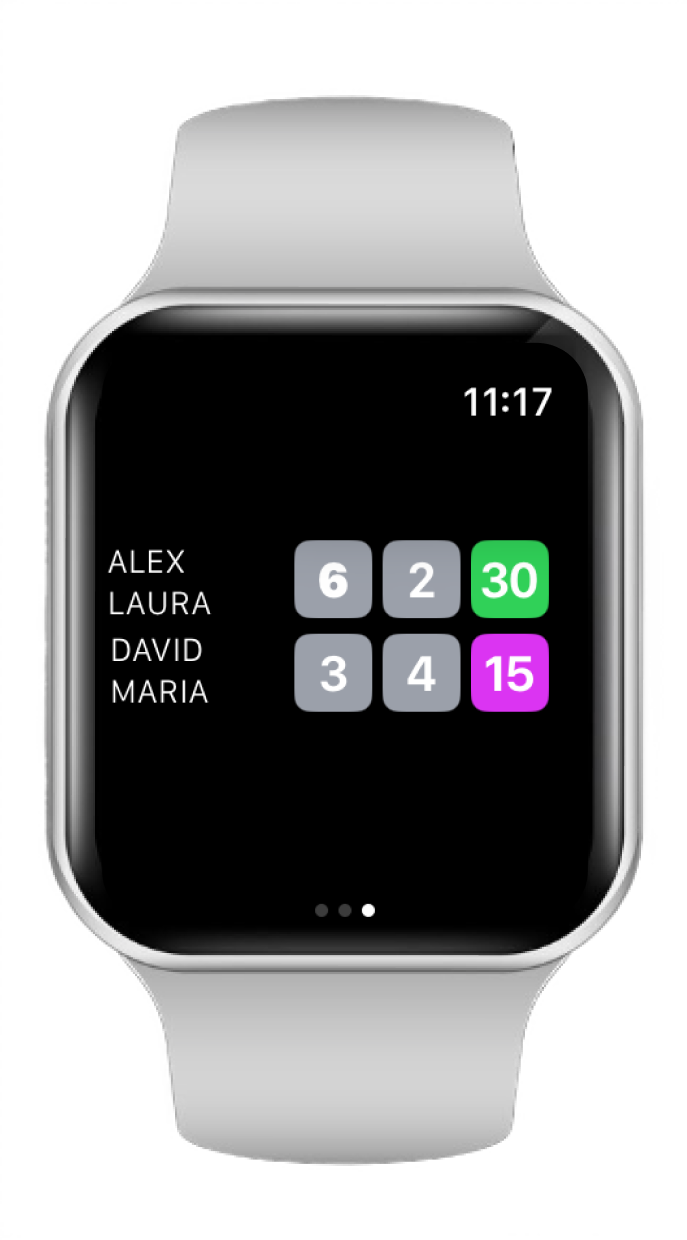
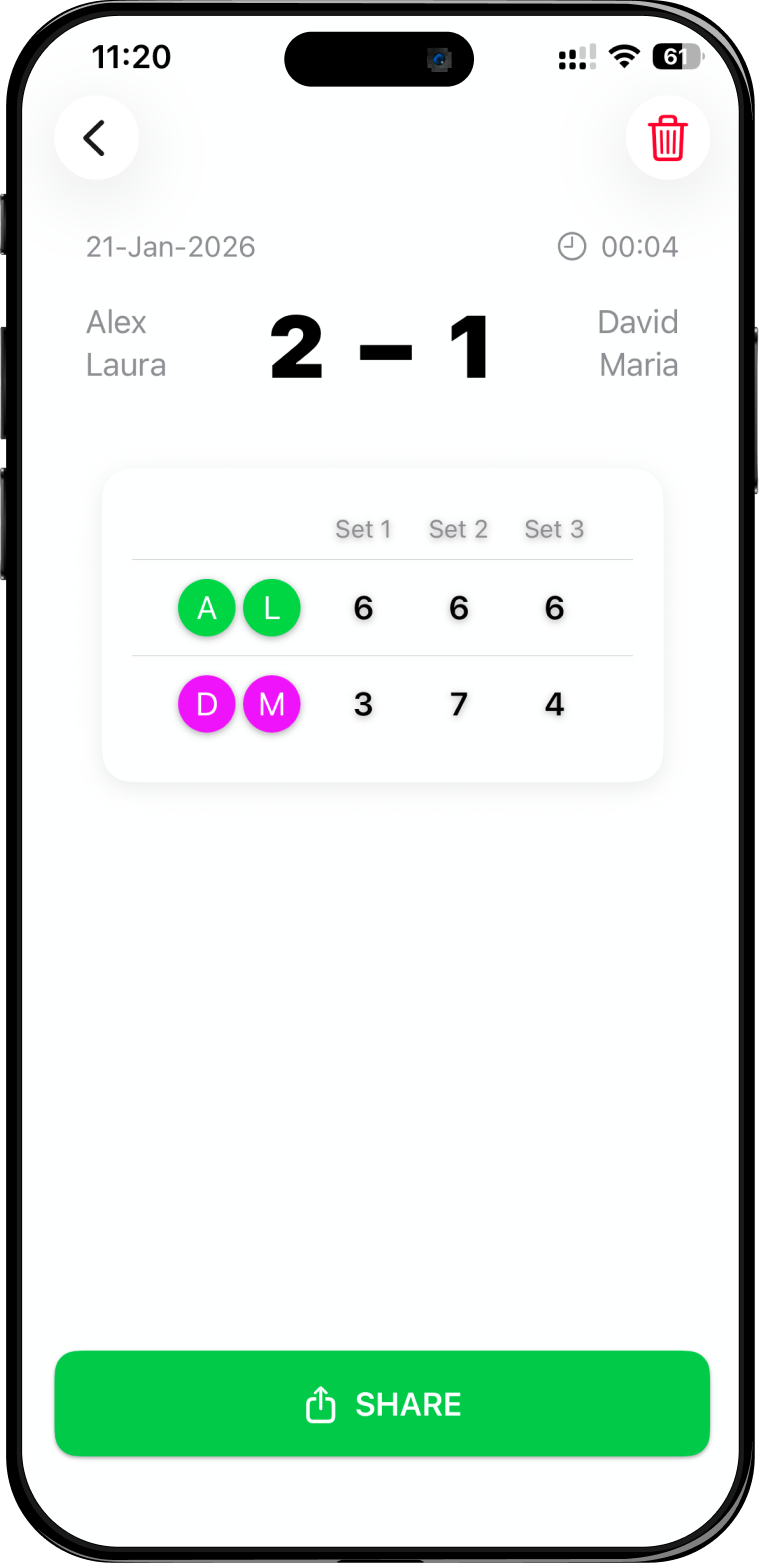
Follow the full set-by-set progression of your match at a glance.
Just your Apple Watch. Padel Speaker runs fully standalone — once you've paired your Bluetooth speaker, you can leave your iPhone in your bag. No phone needed on court.
Any Bluetooth speaker works — the app pairs directly from your Apple Watch with no restrictions on brand or model. Note: volume output varies by speaker. If a particular model sounds too quiet on court, try a louder speaker — compact portable speakers can sometimes struggle at padel court distances.
The app is free to download. A subscription is required to use it — pricing is kept affordable so it's accessible to any padel player. There is a 14-day free trial available so you can try it before subscribing.
1. Open Padel Speaker on your Apple Watch.
2. Connect your Bluetooth speaker — the app shows available devices to pair.
3. Set your match format: choose number of sets, tiebreak rules, and golden point on/off.
4. Tap the screen to record each point. The score is announced out loud after every tap.
No manual counting, no disputes — just play.
Not yet — Padel Speaker currently tracks individual matches (full set-by-set with tiebreaks and golden point). Tournament bracket management is not supported in the current version.
Padel Speaker supports standard padel match formats: best of 1, 3 or 5 sets, tiebreak at 6–6, super tiebreak (match tiebreak) for the deciding set, and golden point at deuce. You configure the format before starting your match.
Download the app on your iPhone first — the Watch app installs automatically alongside it.
Steps:
1. Open the App Store on your iPhone and search for Padel Speaker.
2. Tap Get — the Watch app installs automatically if your Watch is paired.
3. If it does not appear on your Watch, open the Watch app on iPhone → tap My Watch → scroll to Padel Speaker → tap Install.
The Watch app sometimes takes a moment to sync. Try these steps:
1. Check via Watch app on iPhone: Open the Watch app → My Watch → scroll to Padel Speaker → tap Install if shown.
2. Search directly on the Watch: Open the App Store on your Apple Watch → search for Padel Speaker.
3. Restart your Watch: Press and hold the side button → slide to power off → turn it back on. The app should appear after restart.
Not at the moment — Padel Speaker is currently available exclusively for Apple Watch running watchOS. There is no Android or Wear OS version. If you would like to see an Android version in the future, feel free to reach out — we are listening.
Beyond score tracking with Padel Speaker, Apple Watch is a great companion on court:
• Activity tracking: Records heart rate, active calories, and movement throughout your match.
• Water and sweat resistant: Rated WR50 — no need to remove it during play.
• Hands-free awareness: Glance at notifications without touching your phone.
• Standalone use: Cellular Apple Watch models work without your iPhone nearby.
Tip: Use a silicone sports band — it stays secure during play and rinses off easily.
Apple Watch does not have a dedicated Padel workout type yet — select Tennis as the closest option.
To start a padel workout manually:
1. Open the Workout app on your Apple Watch.
2. Scroll to Tennis and tap it to start tracking.
3. Heart rate, calories, and duration are recorded automatically.
If you use Padel Speaker, you can enable automatic workout tracking in the app settings — it starts a Tennis session when your match begins and stops it when you finish. Review your stats afterwards in the Fitness or Health app on your iPhone.
Download for Apple Watch and connect your speaker.